

Why Maintenance Response Time Is a Hidden Labor Cost Driver
When a line goes down, every idle operator represents fully loaded labor cost with zero productive output. That cost is real. It is measurable. And most operations leaders cannot see it.
Unit labor costs increased across 20 of 21 three-digit NAICS manufacturing industries in 2024, at an average rate of 6.1 percent (bls.gov). That pressure makes every untracked downtime minute a direct margin problem. Yet most plants still capture downtime as a single number, collapsing dispatch delay, travel time, and diagnostic time into one opaque figure that tells you nothing actionable.
Response time variance across shifts is one of the most under-examined metrics in light industrial operations. When one shift averages 22 minutes from alert to technician arrival and another averages 47 minutes, that gap rarely reflects a skill difference. It reflects a dispatch process problem, a staffing gap, or an unclear escalation path. Without timestamp data, those patterns stay invisible.
Labor idle time during equipment failures almost never surfaces accurately in ERP or MES systems. The workforce is clocked in. The hours are logged. But the connection between those hours and a specific downtime event disappears entirely. That blind spot compounds quickly: missed SLAs, reactive overtime, and quality defects all follow a slow response.
What Gets Lost When Response Time Goes Unrecorded
Consistency matters here. When every event is recorded the same way, with the same four data points, at the same stage of the response process, patterns become visible. Without that consistency, you cannot compare Monday's failure to Friday's, or day shift to night shift. Accurate comparisons require uniform data collection across all events, not selective logging during high-visibility incidents.
Dispatch delay, travel time, and diagnostic time all carry different root causes and different fixes. A slow dispatch is a communication or staffing problem. Long travel time is a facility layout or technician assignment problem. Excessive diagnostic time is a training or documentation problem. Collapsing them into one number guarantees you solve the wrong problem.
Shift-to-shift comparison becomes structurally impossible without consistent records. Chronic equipment issues, undertrained technicians, and parts availability failures stay invisible when data collection is inconsistent.
How Maintenance Gaps Inflate Overall Labor Effectiveness (OLE) Deficits
Overall Labor Effectiveness accounts for workforce availability, performance, and quality. Slow maintenance degrades all three simultaneously. Availability drops when workers are idled. Performance drops when lines restart cold. Quality defects spike in the first production window after an unplanned stop.
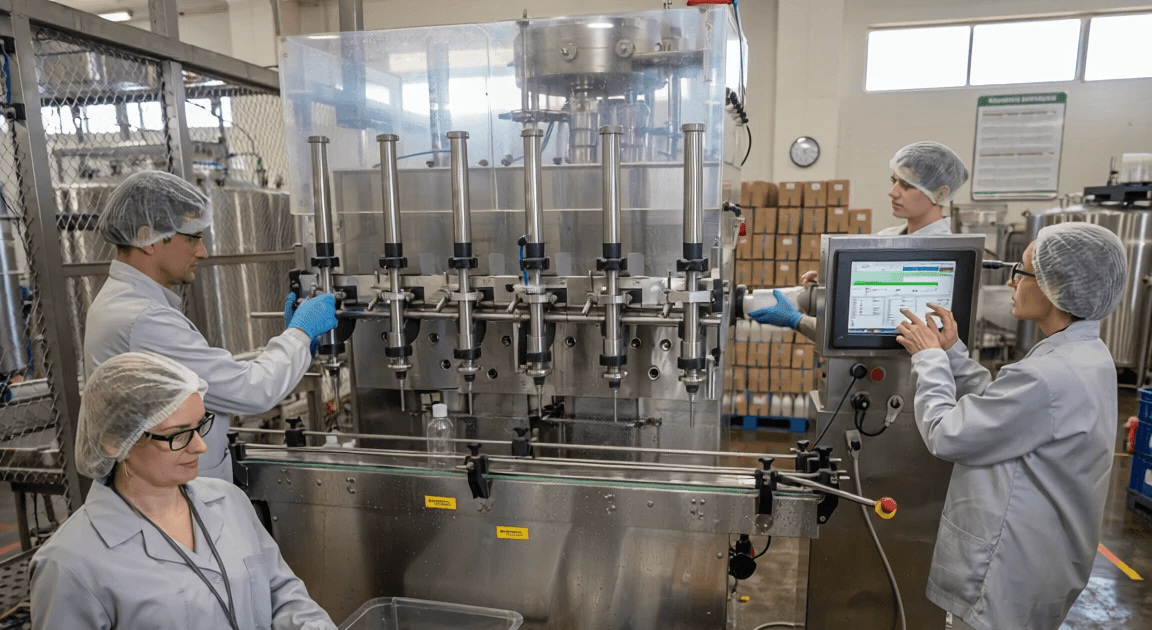
In beauty contract manufacturing and 3PL environments, cascading line stoppages multiply this effect. One filling line failure can idle packaging, labeling, and palletizing crews within minutes. Those are real labor costs, unconnected in most systems to the originating maintenance event.
The Four Components of a Complete Maintenance Response Time Record
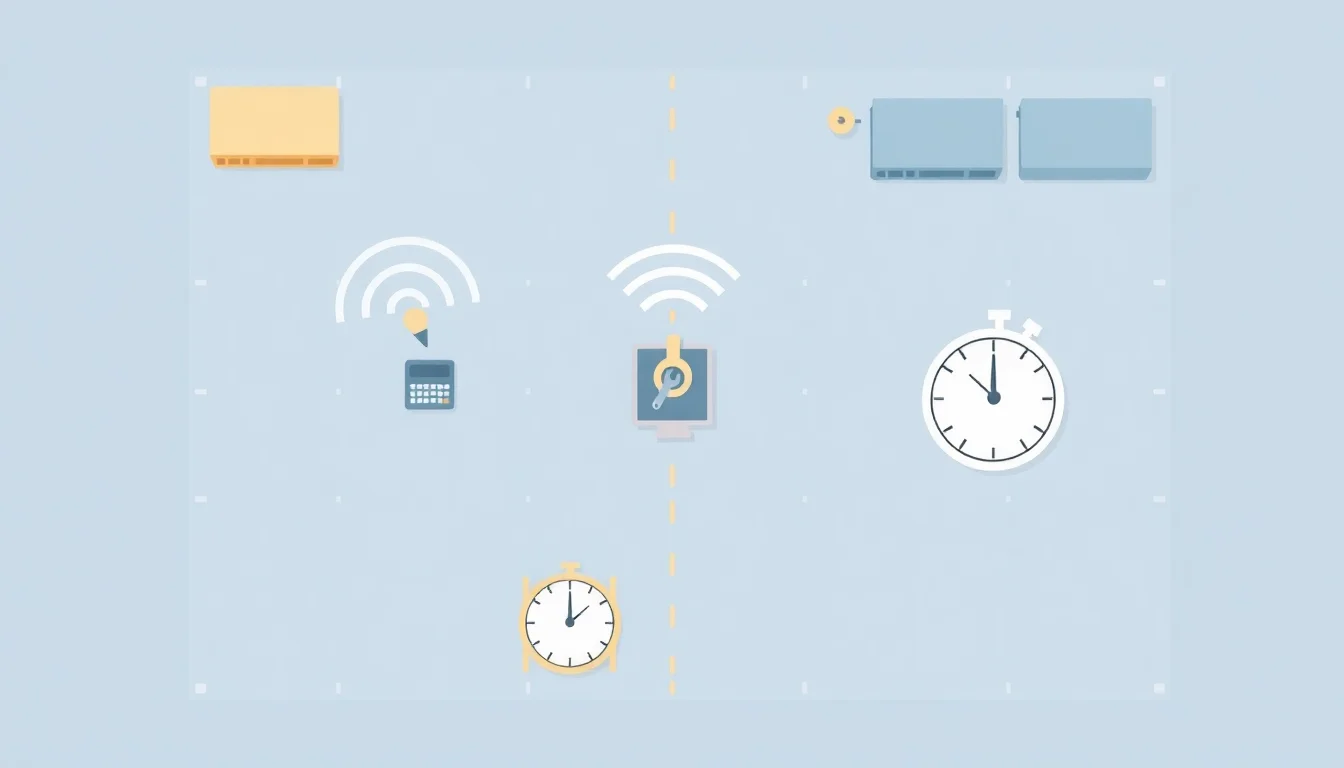
A complete record has exactly four timestamp points. Each gap between them tells a different operational story.
Alert timestamp, when the breakdown was first reported or detected
Dispatch timestamp, when a technician was officially assigned and notified
Arrival timestamp, when the technician reached the equipment
Resolution timestamp, when production was confirmed to resume
Many maintenance professionals recommend targeting a mean time to repair (MTTR) below 5 hours (getmaintainx.com), but that benchmark only becomes actionable when you can separate the four component gaps. A 4-hour MTTR that includes a 90-minute dispatch delay is a fundamentally different problem than a 4-hour MTTR driven by a genuinely complex repair.
Mean Time to Respond vs. Mean Time to Repair: Why Both Matter
MTTR is the standard metric. It is also incomplete.
MTTR conflates response speed with repair complexity. A technician who arrives in 45 minutes and repairs equipment in 20 minutes has a better operational profile than one who arrives in 8 minutes and takes 90 minutes. But standard MTTR reporting may rank the second technician higher.
Mean Time to Respond (MTTS, or Mean Time to Site) isolates the dispatch-to-arrival window. Tracking both creates separate accountability for two distinct functions: the dispatch process and the technical execution. One is an organizational problem. The other is a skill and tooling problem. They require different interventions.
A Duracell case study implementing structured maintenance tracking demonstrated $50K+ in savings on parts inventory costs per site (getmaintainx.com). The gains came not just from faster repairs but from pattern recognition that only becomes possible when response data is separated from repair data.
Capturing Data Without Adding Friction to the Floor
Radio-based and verbal dispatch systems generate zero digital records by default. That is where most light industrial operations live. The solution is not replacing radio communication. It is adding lightweight timestamp capture alongside it.
Mobile timestamps, QR-code check-ins at equipment locations, and automated alert logging through connected sensors can capture response data passively. Mobile access matters for a second reason: technicians who can pull equipment history and diagnostic notes on a mobile device before they arrive reduce diagnostic time at the machine. Faster information access translates directly to faster resolution, without adding administrative burden on the floor.
Integration with MES or workforce intelligence platforms eliminates manual entry entirely. The data flows where it is needed automatically.
Building a Maintenance Accountability Framework That Sticks
Data without visibility is just storage. Accountability requires that response time data be shared with the people who can act on it, including floor supervisors, not just operations directors reviewing weekly reports.
Live dashboards allow supervisors to intervene proactively. When a critical-path filling line has been down for 18 minutes with no technician arrival logged, a supervisor with real-time visibility can escalate immediately. That intervention prevents a 20-minute event from becoming a 90-minute shift disruption. The dashboard's value is not the data it displays; it is the intervention window it creates.
Tiered escalation protocols with timestamp triggers automate that intervention. If no arrival timestamp is logged within a defined window after dispatch, an automatic alert fires to the next escalation level. This removes the human memory requirement from the process entirely.
Setting Response Time SLAs by Equipment Criticality
Not all equipment deserves the same response urgency. Applying uniform SLAs wastes technician capacity on low-impact assets while under-protecting critical path equipment.
A practical three-tier framework:
Tier 1 (Critical Path): Filling lines, packaging lines, primary conveyors. Sub-15-minute response SLA. Automatic escalation at 10 minutes with no arrival logged.
Tier 2 (Production Support): Secondary conveyors, labeling equipment, quality inspection systems. 30-minute response SLA.
Tier 3 (Non-Critical): Facility support equipment with available redundancy. 4-hour response window.
SLA tiers should be documented, communicated to every technician, and reviewed quarterly as equipment criticality and production mix shift.
Using Response Time Data in Shift Reviews and Technician Performance Conversations
Timestamp data transforms subjective performance conversations into evidence-based ones. "You've been slow to respond" becomes "Your average dispatch-to-arrival time on Tier 1 equipment last month was 34 minutes against a 15-minute SLA." That specificity changes the conversation entirely.
Bottleneck identification requires a framework, not just a report. When analyzing performance gaps, start with the gap between alert and dispatch, not between dispatch and arrival. In most operations, slow response traces back to unclear ownership at the dispatch stage, not slow technician movement. Once dispatch delays are resolved, arrival and diagnostic times often improve automatically because technicians are no longer managing ambiguous assignments.
Patterns across shifts expose systemic issues: understaffing on overnight, parts availability failures on weekends, unclear escalation authority during supervisor shift changes. Recognition for consistently fast response times reinforces the behaviors you want scaled across all shifts.
Connecting Maintenance Response Tracking to Workforce Intelligence
Maintenance events are workforce events. Technician deployment, idle operator time, and supervisor response all involve labor data. Treating them as separate domains is where accountability disappears.
At Elements Connect, we find that the most persistent blind spot in operations is the gap between CMMS data, which tracks the machine, and workforce data, which tracks the people. When those two data streams are disconnected, you cannot answer the most basic question: what did this downtime event actually cost in total labor dollars?
A unified workforce intelligence platform can correlate maintenance response times with shift staffing levels, idle operator headcount, and labor cost per unit automatically. That correlation surfaces answers that no individual system can provide alone.
Why MES and ERP Systems Miss the Workforce Dimension of Downtime
MES tracks machine states. It does not capture technician dispatch, arrival, or idle operator counts. ERP records labor hours but cannot connect them to specific downtime events in real time. The gap between these systems is precisely where maintenance accountability data disappears.
Data-driven decisions minimize unplanned downtime and optimize team performance, but only when the underlying data connects equipment events to labor outcomes. A plant manager reviewing production downtime visibility reports in an MES sees a machine state timeline. For example, consider a beauty contract manufacturer where a filling line breaks down at 10:15 AM on a Tuesday. The MES shows the line was down for 47 minutes, but nobody can see that dispatch took 18 minutes, travel took 12 minutes, and diagnosis took 17 minutes. Meanwhile, 6 operators sat idle for those 47 minutes at full labor cost, and the packaging line downstream lost 23 minutes of its own production window because it was starved of product. Without workforce data layered onto the maintenance event, the plant manager cannot calculate the true cost impact or identify whether the problem was a dispatch delay, technician availability, or diagnostic complexity. A workforce intelligence layer adds the human dimension: who was dispatched, when they arrived, how many operators were idled, and what that event cost in total labor dollars.
What a Unified Workforce Intelligence View of Maintenance Looks Like
Single-pane visibility means one timeline: equipment alert, technician assigned, labor idled, production resumed, with timestamps at every step and labor cost calculated automatically based on headcount and wage data.
For staffing agencies serving manufacturing clients, this data strengthens the ROI case for quality temp labor. When you can show a client that temp workers on your placements are connected to faster production resumption after downtime events, labor data integration becomes a competitive differentiator, not just an internal tool.
Trend reporting surfaces chronic equipment-technician-shift combinations that drain OLE over time. It is also a solvable problem. Without the data, it stays invisible.
Implementing Maintenance Response Time Tracking: A Practical Rollout Plan
Start narrow. Choose your two or three highest-criticality lines and collect 30 days of baseline data before setting any SLA targets. Targets set without baseline data create either false urgency or false confidence.
Choose timestamp capture methods that match your floor's existing communication tools. If your team uses radios, add a dispatcher logging step rather than replacing radio communication. If supervisors carry mobile devices, a simple timestamped check-in app requires no new hardware. Adoption follows familiarity.
Overcoming the "We Already Track This in Our ERP" Objection
This is the most common objection in plant-level implementations. The data is clear: ERP timestamps typically reflect scheduled maintenance events, not emergency response sequences. Granular four-point tracking (alert, dispatch, arrival, resolution) does not exist natively in standard ERP configurations.
The goal is not a new system. It is filling a specific, high-cost data gap in existing infrastructure. A workforce intelligence platform that connects CMMS event data with labor records does not replace ERP. It answers the questions ERP was never designed to answer.
Quick Wins to Build Momentum in the First 60 Days
Identify your three slowest average response times from existing manual logs and make them visible to supervisors immediately. No new system required. Just make the problem visible.
Run one equipment criticality tiering exercise with your maintenance lead and production supervisor. Document SLA targets for your top five assets. Communicate them to the technical team.
Celebrate the first month where all critical equipment responses meet SLA. Put the data on the floor. Make the win visible to the same people who absorbed the accountability. Kaizen continuous improvement works because small, visible wins build the culture that sustains larger structural changes.
Results speak louder. Track consistently. Act on what you find.
Frequently Asked Questions
What is the standard benchmark for maintenance response time in light industrial manufacturing?
Many maintenance professionals recommend targeting a mean time to repair below 5 hours, but response time benchmarks vary by equipment criticality. For critical-path equipment like filling or packaging lines, a sub-15-minute technician arrival target is a practical starting point. Establish your own 30-day baseline before applying external benchmarks to your operation.
How do I calculate the true cost of slow maintenance response time per downtime event?
Multiply the number of idled operators by their fully loaded hourly wage, then add the cost of lost production output for the downtime window. Include overtime costs if the event forces schedule recovery. A workforce intelligence platform can automate this calculation per event, connecting maintenance timestamps directly to labor cost per unit data in real time.
What's the difference between mean time to respond and mean time to repair, and which should I track?
Mean time to respond measures dispatch-to-arrival speed, reflecting your dispatch process and staffing. Mean time to repair measures arrival-to-resolution speed, reflecting technical skill and parts availability. Track both. Conflating them hides where the real problem lives. A fast repair preceded by a slow dispatch is still a preventable production loss that demands a different fix.
Can our existing ERP or MES system capture maintenance response timestamps accurately?
Standard ERP configurations capture scheduled maintenance, not emergency response sequences. MES tracks machine states but not technician dispatch or arrival. Neither system natively records the four-point granular sequence needed for response accountability. A CMMS or workforce intelligence layer integrated with existing systems fills that specific gap without replacing your current infrastructure or disrupting active workflows.
How do I create accountability for maintenance response times without demoralizing technicians?
Separate dispatch accountability from technician accountability. Most SLA misses trace to slow dispatch, not slow movement. When timestamp data reveals that pattern, technicians understand the data is measuring the system, not accusing individuals. Use response time data to recognize consistently strong performance publicly, and reserve performance conversations for patterns, not isolated events, with specific evidence.
What equipment criticality tiers should determine our response time SLA targets?
Use three tiers. Tier 1 covers critical-path equipment like filling and packaging lines, requiring sub-15-minute response. Tier 2 covers production support equipment like secondary conveyors, with a 30-minute target. Tier 3 covers non-critical assets with available redundancy, tolerating up to a 4-hour window. Review tier assignments quarterly as production mix and equipment configurations change across your facility.
How does maintenance response time tracking connect to Overall Labor Effectiveness (OLE)?
OLE measures workforce availability, performance, and quality. Slow maintenance degrades all three simultaneously. Idled operators reduce availability. Cold restarts reduce performance rates. Post-stoppage quality defects reduce the quality component. Tracking response time gives you a direct lever on OLE improvement. Faster resolution means shorter idle windows, cleaner restarts, and fewer defect-generating line interruptions across your production shifts.
What's the minimum data I need to start tracking maintenance response time effectively?
Four timestamps per event: when the alert was raised, when a technician was dispatched, when they arrived at the equipment, and when production confirmed resumed. Even manual logging of these four points with a shared spreadsheet creates more actionable data than any current verbal or radio-only system. Consistency across every event matters more than the capture method you start with.