

What Does a Workforce Intelligence Implementation Actually Look Like? Timeline, Risks, and How to Minimize Disruption
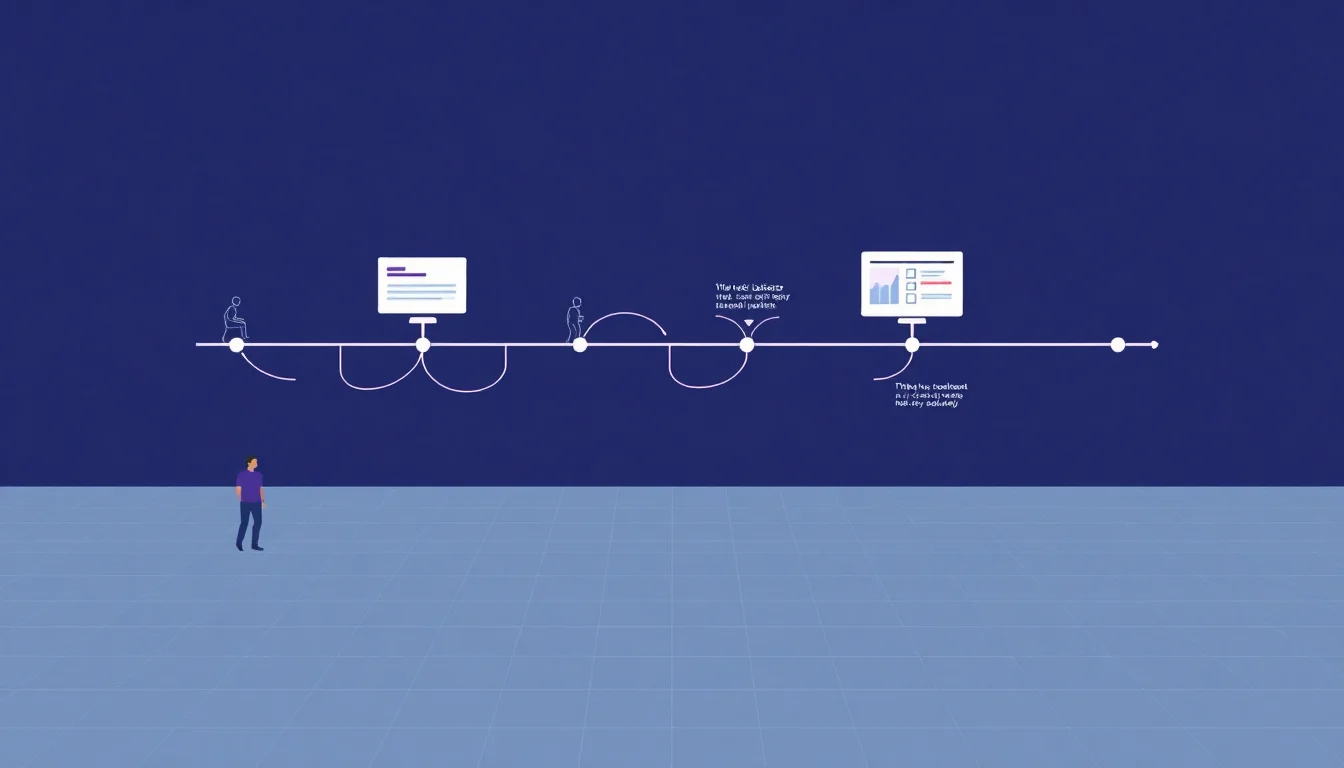
The Four-Phase Workforce Platform Implementation Timeline
Most vendors publish benefit claims. Almost none publish actual deployment timelines. That gap is exactly why implementations stall, budgets balloon, and floor managers lose faith before the platform ever proves its value.
Here is what a realistic, phase-by-phase rollout looks like for a mid-market manufacturer, 3PL, or staffing operation.
Phase 1 (Weeks 1–3): Data Audit and Integration Scoping This phase covers discovery sessions with operations, IT, HR, and finance stakeholders to align on data sources and success metrics. Your team maps integrations between the workforce platform and existing ERP systems (SAP, Oracle), MES, ATS, or timekeeping tools. A data quality assessment identifies gaps, duplicate records, and missing employee or shift identifiers. In our experience, this discovery step is where most implementations either accelerate or stall, depending on how honestly the organization assesses its data maturity upfront. The timeline compresses significantly when ERP and MES integrations are well-documented and data is reasonably clean.
Phase 2 (Weeks 4–6): Platform Configuration and KPI Setup Core labor performance dashboards get configured here, tied to production output, Overall Labor Effectiveness (OLE), and labor cost per unit targets. This is also where scope discipline matters most. Teams that try to solve every workforce problem at once in Phase 2 consistently run late.
Phase 3 (Weeks 7–10): Controlled Pilot One production line, one shift, one facility. No exceptions.
Phase 4 (Weeks 11–16): Full Deployment and Training Floor-level training, manager enablement, and baseline performance benchmarking roll out across the operation. Deloitte's 2025 Smart Manufacturing Survey found that 51% of smart manufacturing initiatives are owned and driven by operations leaders (deloitte.com), which means Phase 4 succeeds or fails based on how well operations leadership champions the rollout.
What Happens in the First 30 Days
The first 30 days are diagnostic, not performative. Expect discovery sessions, integration mapping, and a hard look at data quality. Configuration of core labor performance dashboards tied to shift efficiency and cost-per-unit targets closes out the month. This is also when realistic timelines get confirmed or corrected based on actual data maturity, not vendor assumptions.
Pilot Phase: Why Starting Small Accelerates Full Rollout
Piloting on one production line reduces change management risk and surfaces integration issues early. It also creates credibility. Skeptical floor managers respond to proof, not promises. A 3–4 week pilot generates enough workforce performance metrics data to demonstrate early ROI and refine reporting configurations before company-wide rollout.
For staffing agencies, piloting at one manufacturing client site builds the performance data model before scaling across accounts. This is especially powerful for proving staffing ROI to clients who are watching for any reason to consolidate vendors.
The Six Biggest Implementation Risks and How to Mitigate Each One
Timelines do not slip because of bad software. They slip because of predictable, avoidable risks that operations leaders fail to address before kickoff.
Risk 1: Messy or siloed data. Disconnected ERP, MES, and timekeeping systems delay integration and corrupt early reports.
Risk 2: Poor floor-level adoption. Supervisors who view the platform as surveillance will undermine it quietly and effectively.
Risk 3: Scope creep. Trying to solve every workforce analytics problem at once instead of phasing by priority.
Risk 4: Peak-season timing. Deploying during a beauty holiday season or Q4 3PL surge when teams have zero bandwidth.
Risk 5: No executive sponsor. Mid-project priority shifts stall momentum without a senior leader blocking interference.
Risk 6: IT bottlenecks. Integration work competing with ERP upgrades or cybersecurity projects creates invisible delays.
The mitigation framework is straightforward: assign a dedicated internal implementation lead, pre-clean critical data fields before kickoff, and lock in a change freeze window. Only 32.5% of manufacturers reported engaging third parties for change management support in smart manufacturing initiatives (deloitte.com), which means most organizations are absorbing this risk internally without a plan.
Solving the Data Quality Problem Before Day One
Conduct a data readiness audit in the pre-sales or scoping phase, not after contracts are signed. Prioritize cleaning three core data types: employee IDs, shift schedules, and production output records. Use middleware or API connectors rather than manual data exports to eliminate ongoing data hygiene issues.
For companies running legacy systems older than 5 years, plan for a 2–4 week data remediation sprint. This is not optional. It is the difference between a 90-day implementation and a 180-day one.
Preventing Floor-Level Resistance Before It Starts
Frame the platform as a tool that protects workers from unfair performance judgments. Involve shift supervisors and line leads in pilot design so they co-own the workforce performance metrics that matter. Provide role-specific training: floor supervisors need entirely different workflows than plant managers or staffing coordinators.
Share early wins directly with frontline teams. When a pilot identifies a scheduling gap that caused unnecessary overtime, that story belongs on the production floor, not just in an executive dashboard.
How to Minimize Production Disruption During Rollout
Timing is strategy. Schedule implementation kickoff at least 8–10 weeks before a known peak production period. For beauty contract manufacturing operations, that means avoiding Q3 holiday prep and Q4 surge windows entirely.
Run the new platform in parallel with existing timekeeping and scheduling systems for the first 30 days before cutover. Limit integration touchpoints to must-have systems in Phase 1 and connect secondary systems like payroll and ATS in Phase 2. Designate a go-live freeze window, a 2–3 week period with no major production schedule changes or staffing transitions.
For 3PL labor management operations with multiple client sites, stagger rollout by facility rather than deploying enterprise-wide simultaneously. Staffing agencies should implement at one manufacturing client site first to build proof-of-concept data before expanding.
The Parallel Run Strategy: Why It Prevents Costly Cutover Failures
Running old and new systems simultaneously for 3–4 weeks allows data validation without operational risk. Discrepancies caught during parallel runs, such as overtime calculation differences, get fixed before they affect payroll. Floor managers gain confidence in the new system's accuracy before abandoning familiar tools.
Document parallel run findings formally. They become the system acceptance criteria that close out implementation and protect both the vendor and the operations team from disputes about what was delivered.
What Good Looks Like at 30, 60, and 90 Days Post Go-Live
This is the section most vendors skip. They describe go-live as the destination. It is actually the starting line.
Day 30: Clean labor performance dashboards showing output per worker-hour, overtime patterns, and shift efficiency by line. First identification of labor cost variances tied to scheduling inefficiencies. Manufacturers who have deployed workforce intelligence and smart manufacturing practices report a 10% to 20% improvement in production output (deloitte.com) and a 7% to 20% improvement in employee productivity (deloitte.com).
Day 60: Managers are independently pulling reports and using workforce analytics data in daily shift huddles or Kaizen workforce optimization reviews. Staffing agencies can show client-facing performance scorecards comparing temp labor performance across assignments. OLE improvement data begins accumulating. One documented case showed a construction company reduce production costs by over 13% in just 12 weeks after implementing OLE-focused workforce interventions (renoirgroup.com).
Day 90: Enough baseline data exists to model labor demand forecasting and build a right-sizing labor strategy for seasonal fluctuations. Initial ROI calculation is possible. Labor cost per unit trends, OLE improvement, and overtime reduction are all quantifiable. Workforce analytics implementations have demonstrated overtime reductions of 72% (timeforge.com) and 68% (timeforge.com) in documented cases. Smart manufacturing investments also unlock 10% to 15% in additional operational capacity (deloitte.com).
The 90-day mark is also when continuous improvement culture takes root. Supervisors start requesting data to solve their own operational problems. That is the signal the implementation worked.
Building the Internal Capability to Sustain Gains Beyond 90 Days
Assign a workforce intelligence owner, typically a senior operations analyst or plant manager, to govern ongoing platform use. Create a monthly workforce performance review cadence connecting labor data to financial outcomes. Use 90-day baseline data to set Q2 improvement targets, embedding the platform into operational cadence rather than treating it as a reporting tool.
Tie platform metrics to manager performance reviews. Accountability needs a mechanism. Without one, the platform becomes optional, and optional tools get abandoned.
How to Build the Internal Case for Moving Forward Now
The cost of inaction is quantifiable. At Elements Connect, we often frame it this way for operations leaders: at $25/hour average labor, a 10% scheduling inefficiency across 200 workers generates over $1M in annual waste (deloitte.com). At Elements Connect, we often frame it this way for operations leaders: at $25/hour average labor, a 10% scheduling inefficiency across 200 workers generates over $1M in annual waste (deloitte.com). That number is sitting in your current data. It just has nowhere to go without the right workforce intelligence infrastructure.
Implementation risk is lowest during non-peak periods. Delaying past the current window often means waiting 6–9 more months for the next viable launch window. ERP integration and MES integration complexity that already exists in your environment actually accelerates timeline when the connections are properly scoped upfront.
Framing implementation as a Kaizen initiative, continuous, incremental, and non-disruptive, neutralizes most cultural resistance objections. It also aligns with how 52% of manufacturers are organizing smart manufacturing work through dedicated internal teams (deloitte.com) rather than wholesale transformation programs.
Consider a concrete scenario: a beauty contract manufacturer with 300 workers across two shifts is heading into its spring product launch cycle. Kickoff in January, pilot on Line 3 in February, full rollout by April, and first OLE baseline established before the Q2 peak hits. That sequence is achievable. It requires commitment, not a miracle.
The Right Questions to Ask Any Workforce Platform Vendor Before Signing
Ask vendors specifically what their standard integration process looks like for your ERP and MES systems. Ask how long their last five implementations took and what caused delays. Ask what internal resources you need to commit in hours per week and from which roles. Ask what success looks like at 30, 60, and 90 days and how it is measured. Ask for a reference from a company your size in beauty contract manufacturing, 3PL operations, or light industrial. The answers reveal more about implementation reality than any sales deck.
Frequently Asked Questions
How long does a workforce platform implementation typically take for a mid-size manufacturer?
A mid-size manufacturer with 50–500 employees should plan for 60–120 days across four phases: data audit, system configuration, controlled pilot, and full deployment. Timeline depends heavily on data maturity, existing ERP integration complexity, and change management readiness. Clean, well-documented systems can compress the timeline significantly, sometimes to under 60 days.
Can we implement workforce intelligence without replacing our existing ERP or MES systems?
Yes. Workforce intelligence platforms are designed to connect to existing ERP and MES systems, not replace them. Integration uses API connectors or middleware to pull data from your current systems into unified workforce dashboards. The goal is adding a workforce performance layer on top of your existing infrastructure, not triggering a full system replacement or migration.
What is the biggest risk of implementing a workforce platform during peak production season?
The primary risk is bandwidth collapse. During peak periods in beauty contract manufacturing or Q4 3PL surges, operations, IT, and HR teams have zero capacity to support configuration work, training, or parallel run validation. Errors made under peak pressure create data quality problems that take weeks to resolve. Starting 8–10 weeks before peak is the minimum safe buffer.
How do we get floor-level buy-in from supervisors and workers during a workforce technology rollout?
Involve shift supervisors in pilot design so they co-own the metrics being tracked. Frame the platform as a tool that protects workers from arbitrary performance judgments, not a surveillance system. Share early wins from the pilot directly with frontline teams. Role-specific training matters: supervisors need different workflows than plant managers, and conflating the two creates confusion and resistance.
How quickly can we expect to see ROI after going live with a workforce intelligence platform?
Initial labor cost variances are typically visible within 30 days of go-live, including overtime patterns and shift efficiency gaps. A quantifiable ROI calculation, covering labor cost per unit trends, OLE improvement, and overtime reduction, becomes possible at the 90-day mark. Organizations using workforce analytics have documented overtime reductions of 68%–72% ([timeforge.com](https://timeforge.com/industry-news/exploring-the-roi-of-workforce-analytics-software/)), which can represent significant annual savings.
What data do we need to have ready before starting a workforce platform implementation?
Prioritize three data types: employee IDs, shift schedules, and production output records. These form the core data model. Secondary data, including payroll records, ATS data, and client billing information for staffing agencies, can be connected in later phases. Request a data readiness audit from your vendor during the scoping phase, before contracts are signed, to surface gaps early.
How does workforce intelligence implementation work for staffing agencies serving manufacturing clients?
Staffing agencies should pilot at a single manufacturing client site first. This builds a temp labor performance data model before scaling across accounts. The 60-day milestone is especially valuable for agencies because it produces client-facing performance scorecards comparing worker productivity across assignments. That data supports contract renewals, justifies rate adjustments, and differentiates the agency from competitors offering only headcount.
What internal team resources are required to successfully implement a workforce platform?
At minimum, assign a dedicated internal implementation lead from operations, an IT contact who owns ERP and MES system access, and an HR or workforce data owner who manages employee records. Plan for 5–10 hours per week from this core team during implementation. A senior operations leader should serve as executive sponsor to resolve priority conflicts and maintain momentum across departments.